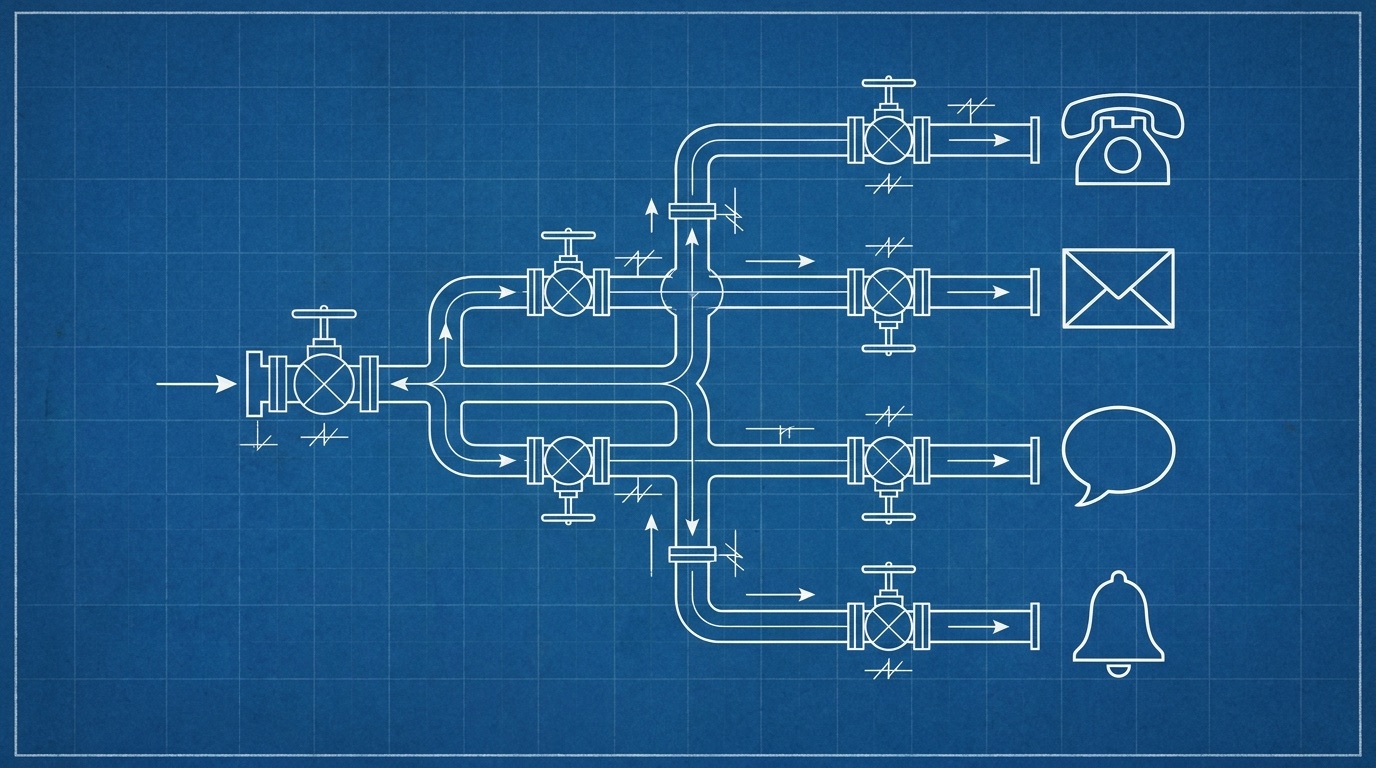
Here is how messaging grows in a typical codebase. Someone wires up SMTP for the welcome email. Months later a password reset joins it, copy-pasted. Then product wants SMS codes, so Twilio arrives with its own client, its own retry logic and its own environment variables. Push notifications show up with a third pattern. Within two years you have five ways to send a message, templates living in string literals, and no way to answer "did customer X get the invoice email?" without grepping logs.
Notification infrastructure is the name for pulling all of that into one layer: a single service your application calls whenever it needs to tell a human something, on any channel.
The six components
Strip away vendor branding and every serious notification layer has the same anatomy:
- A unified send API. A single endpoint with one authentication scheme and one request shape, whether the message is an email, an SMS, a WhatsApp message or a push notification. Your application code stops knowing what SMTP is.
- Templates, outside the codebase. Message content with variables (
{{ name }},{{ otp_code }}) that non-developers can edit without a deploy. The application sends a trigger key and data; the layer renders the rest. - Routing and rules. Which provider handles which message, what happens when a provider fails, which recipients are allowed in which environment. This is the part that stops a load test from emailing 40,000 real users from staging.
- Recipient state. A profile per recipient: addresses, device tokens, attributes, unsubscribe status. Without it, preference handling gets reimplemented in every feature that sends.
- Provider connections.The actual delivery still happens through SES, Twilio, Meta's Cloud API, FCM and APNs. The infrastructure orchestrates them; it should not lock you into its own delivery pipes.
- Observability. Per-message status (pending, sent, failed, rejected), opens, clicks and bounces, in one place a support engineer can search.
Build or buy? The build is bigger than it looks
The first version is genuinely easy, which is the trap. A send_email() wrapper is an afternoon. The next two years add retries with backoff, bounce webhook handling, suppression lists, template versioning, per-environment rules, unsubscribe pages, delivery dashboards and the WhatsApp template approval dance. None of it is hard. It is time, spent on something that is not your product.
Buying has its own trap: per-notification pricing means your costs scale with your success, and your message history lives in a vendor's database. Which brings us to the third option that barely existed a few years ago: run an open-source layer on your own infrastructure and pay only your providers. Self-hosting a messaging platform is far less exotic than it sounds.
How the categories differ
Three product categories all claim this space, and the boundaries matter more than the marketing:
- Notification infrastructure (Novu, Knock, Courier): developer-first delivery plumbing. Excellent APIs, workflow engines, in-app inbox components. No marketer-facing tools; someone still has to build campaign sending on top. We compared the three in a separate head-to-head.
- Marketing automation (Customer.io, Braze, Klaviyo): campaign and journey tools for marketers, usually with a transactional API bolted on later. Priced per profile, and you should understand that mechanic before you commit.
- Support platforms (Intercom, Zendesk): inbound conversations first, outbound messaging second. Priced per seat plus, increasingly, per AI resolution.
Most companies end up buying one from each column and then writing glue code to keep three copies of every customer in sync. That glue is the hidden fourth product: built in-house, undocumented, and it breaks during the data migration.
Where Messy sits
We built Messy to be all three columns in one codebase: the unified send API and templates of notification infrastructure, the campaigns, segments and drips of marketing automation, and the shared inbox and help desk of a support platform. One customer record, zero glue code. It is free to self-host under the Elastic License 2.0, so the whole thing runs on your infrastructure if you want it to, or on our cloud for a flat $20 a month with your own provider keys.
If you are starting an evaluation, begin with the channel doing the most damage in your codebase. For most teams that is email, and transactional email with your own SES keys is the natural first migration.