Campaigns & segments
Build an audience once as a segment, then send a one-off broadcast to it with the campaign wizard. Segments are live, so the audience is whoever matches at send time.
Segments
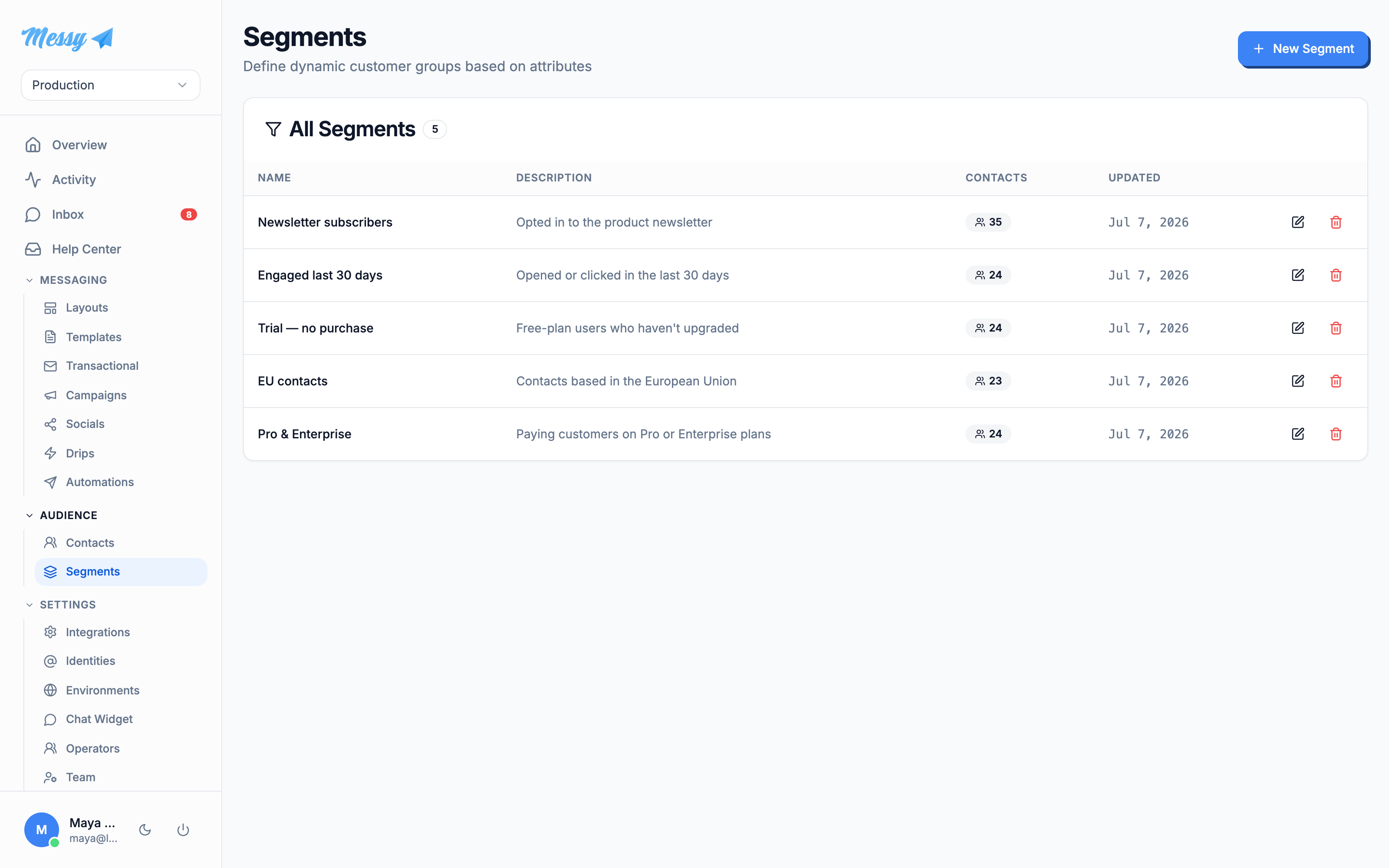
Open Segments under Audience. A segment is a saved set of conditions; its member count is recomputed live, so it always reflects who matches now.
Build the conditions
Click New Segment, name it, then add conditions. Each condition is an attribute (email, first name, last name, date added, or any custom attribute), an operator (equals, contains, is blank, before/after a date, and so on) and a value. Group conditions with AND or OR, and nest groups for more complex logic. The Audience Preview on the right updates as you type, showing the match count and sample contacts.
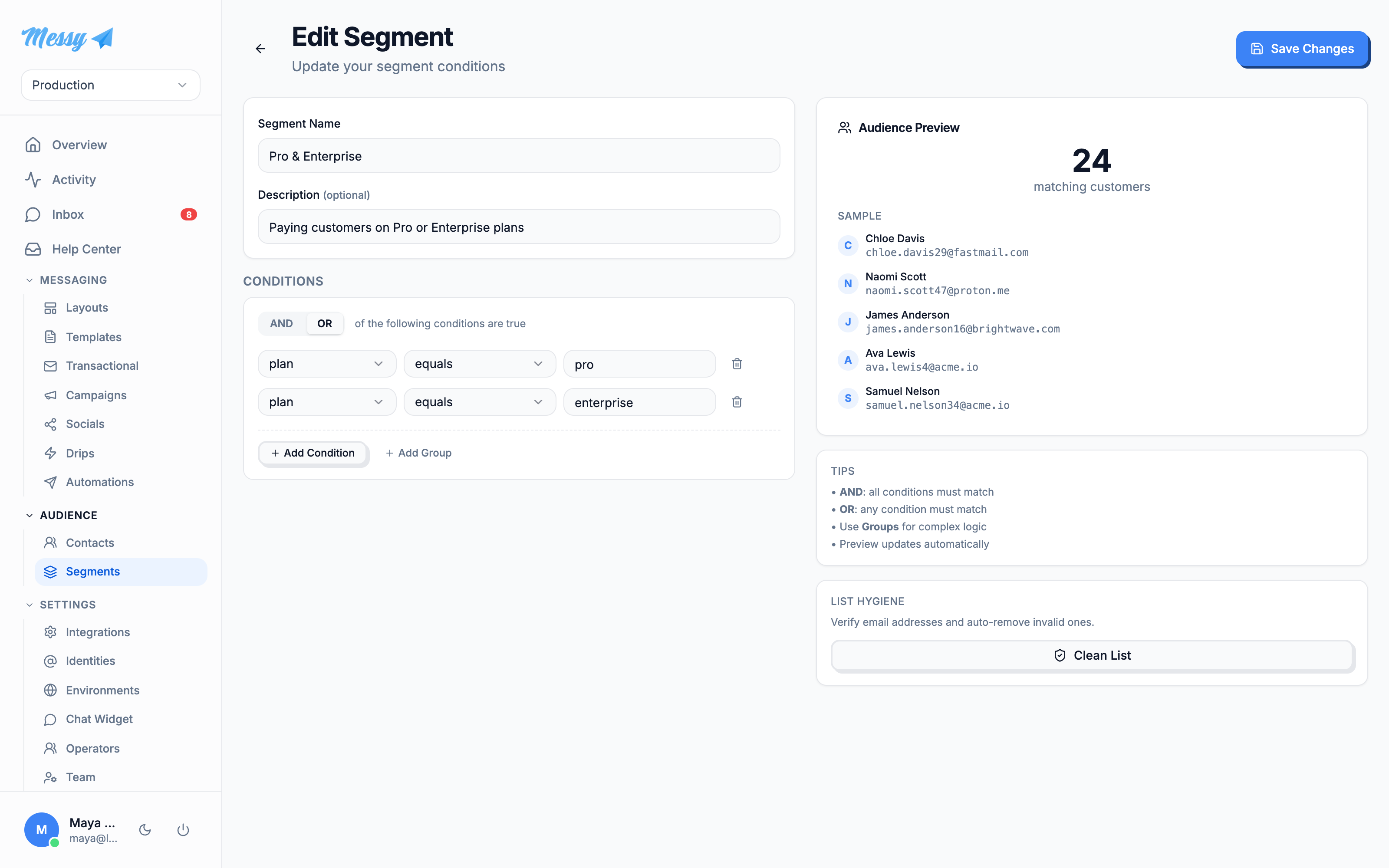
Clean List verifies member email addresses and auto-unsubscribes the invalid ones, so a campaign does not burn reputation on dead addresses.Send a campaign
Open Campaigns and click New Campaign. The wizard has four steps: Channel, Template, Audience, Review.
1. Channel
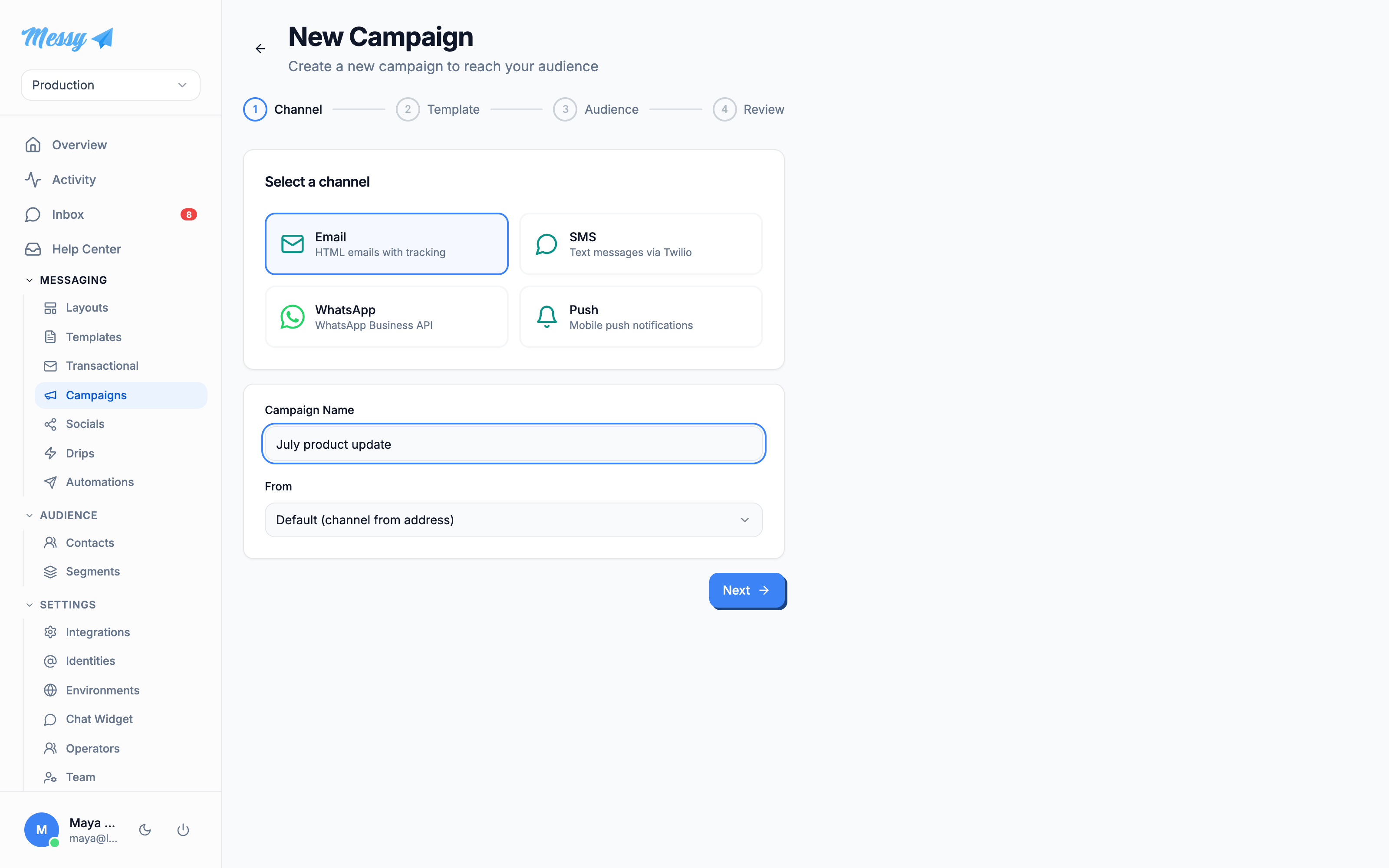
Pick the channel and name the campaign. For email you also choose the From sending identity.
2. Content
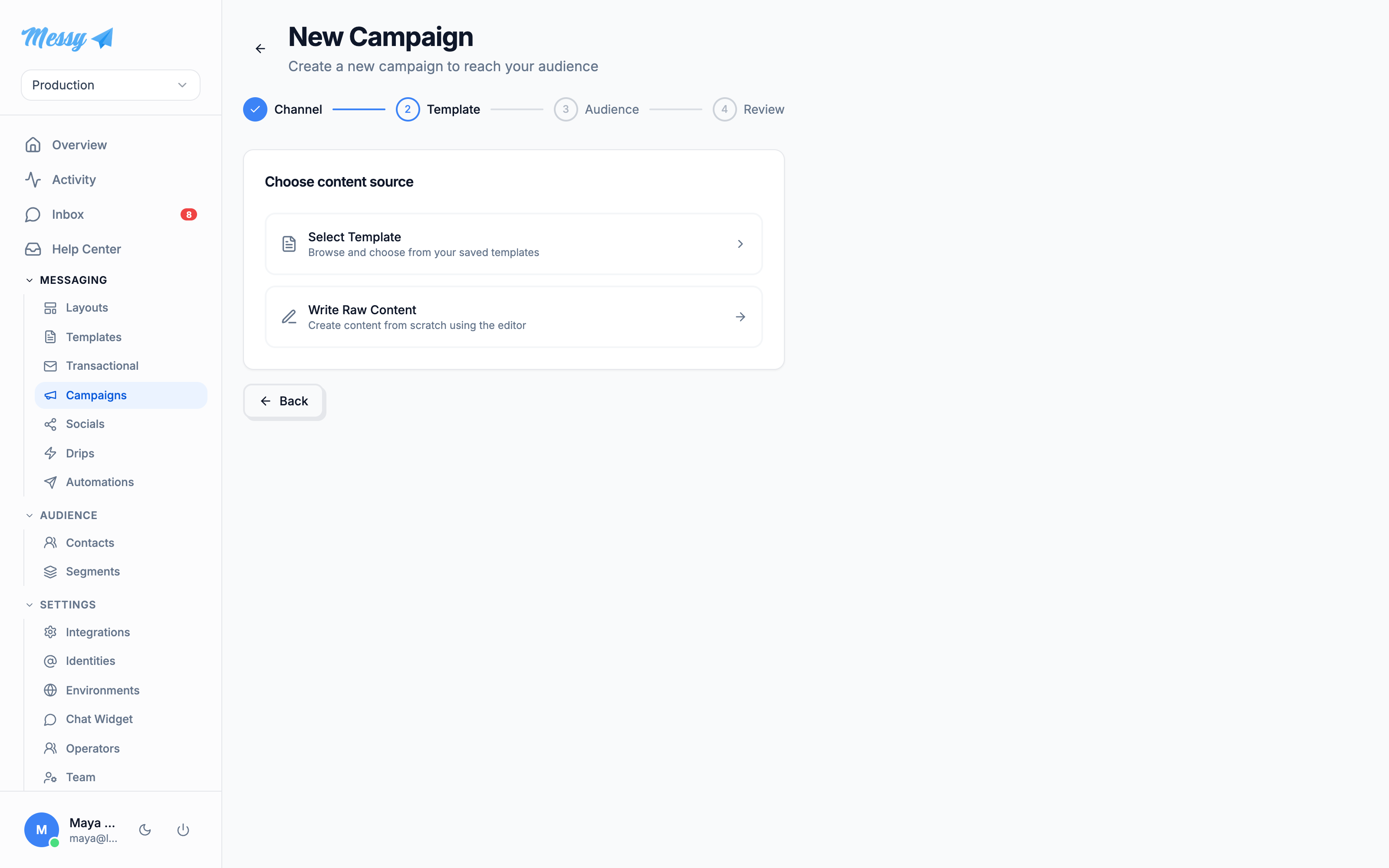
Either pick a saved template or write raw content in the editor.
3. Audience
Send to all contacts, or to a specific segment. The segment picker shows each segment with its current contact count.
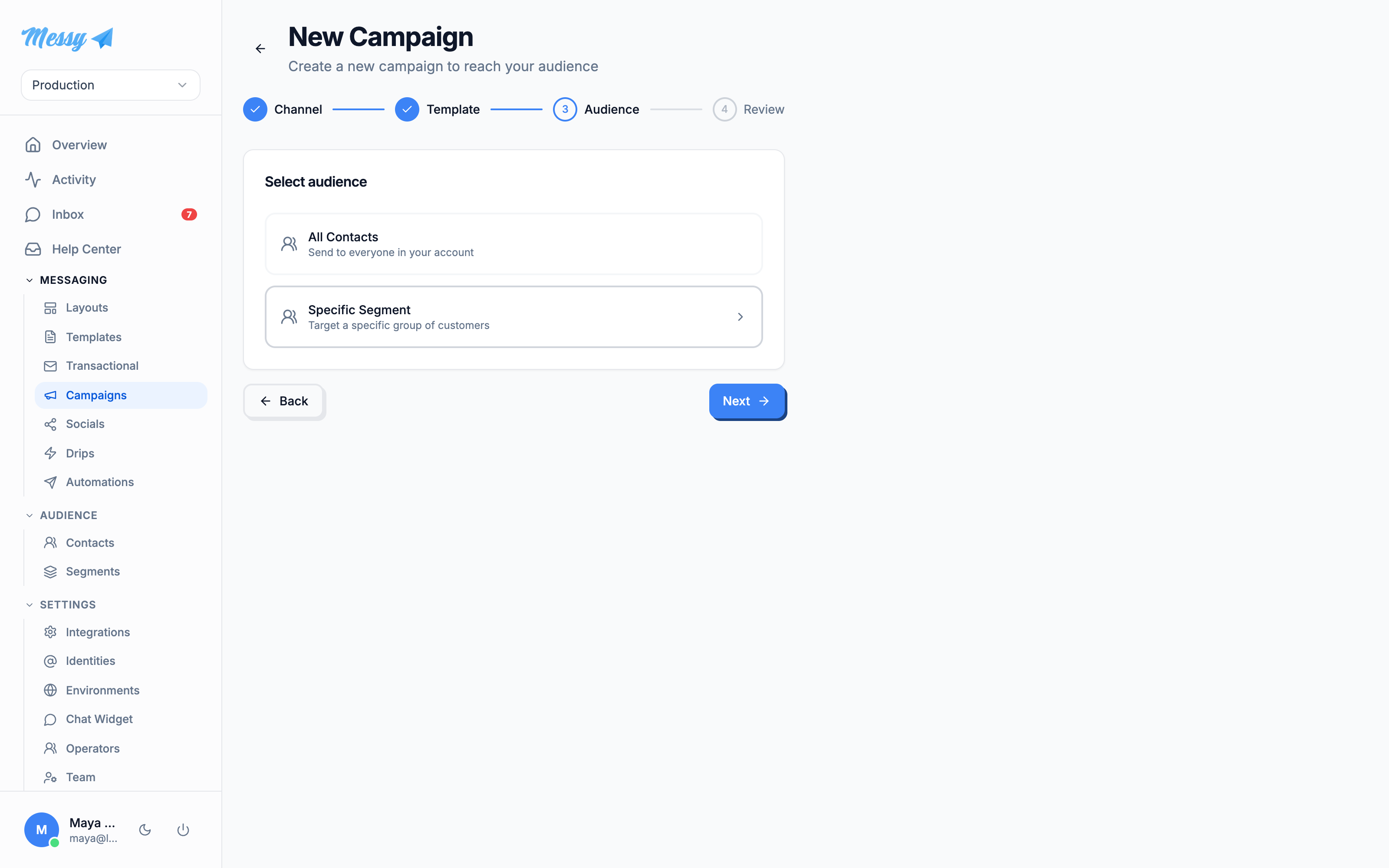
4. Review and send
Review the summary and preview. For email you can fire a test to yourself first (test sends bypass delivery rules). Send Campaign asks for confirmation, then sends; you land on the campaign detail page with live delivery stats.
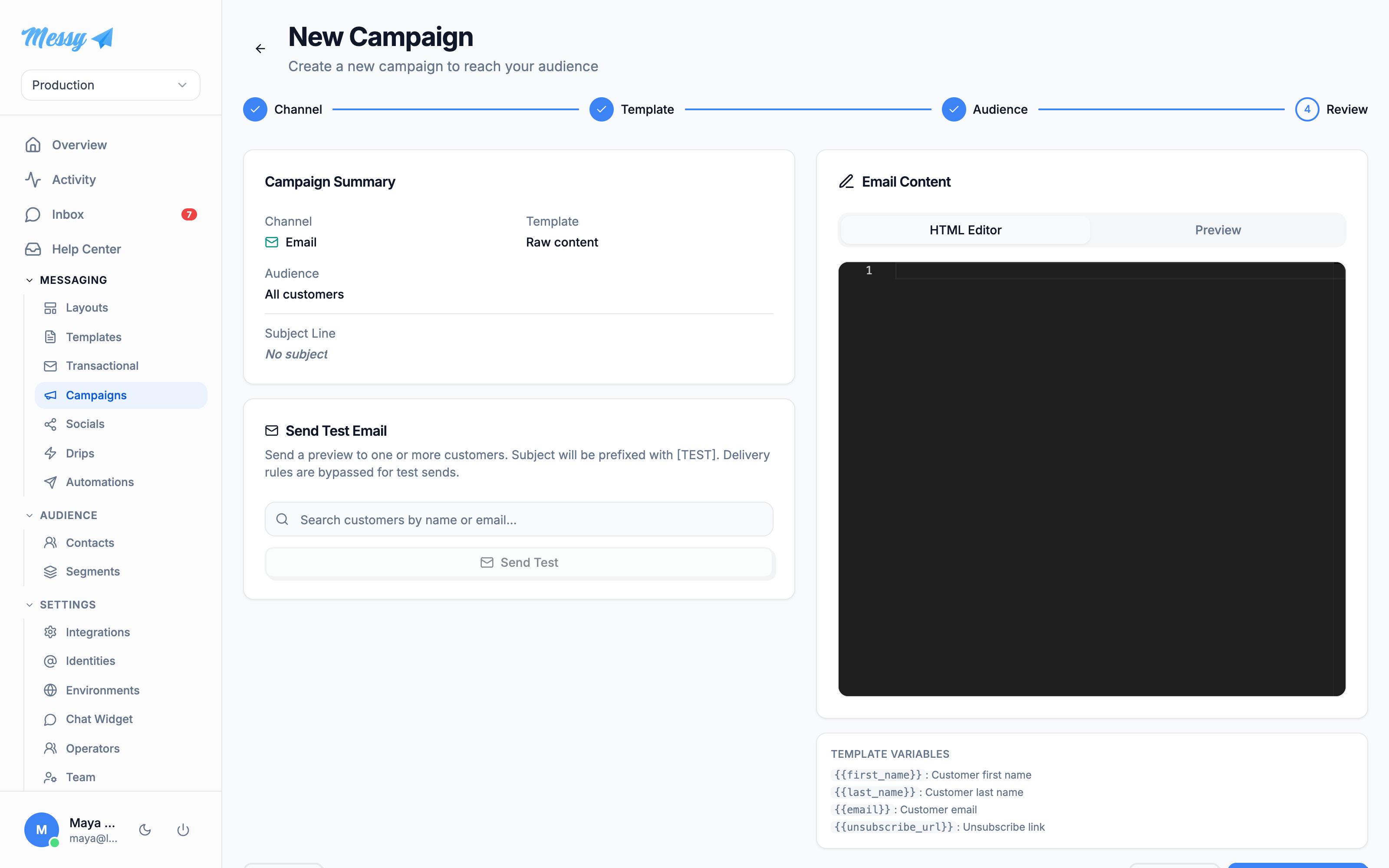
{{ unsubscribe_url }} in the content, and the account needs active billing to send.Track results
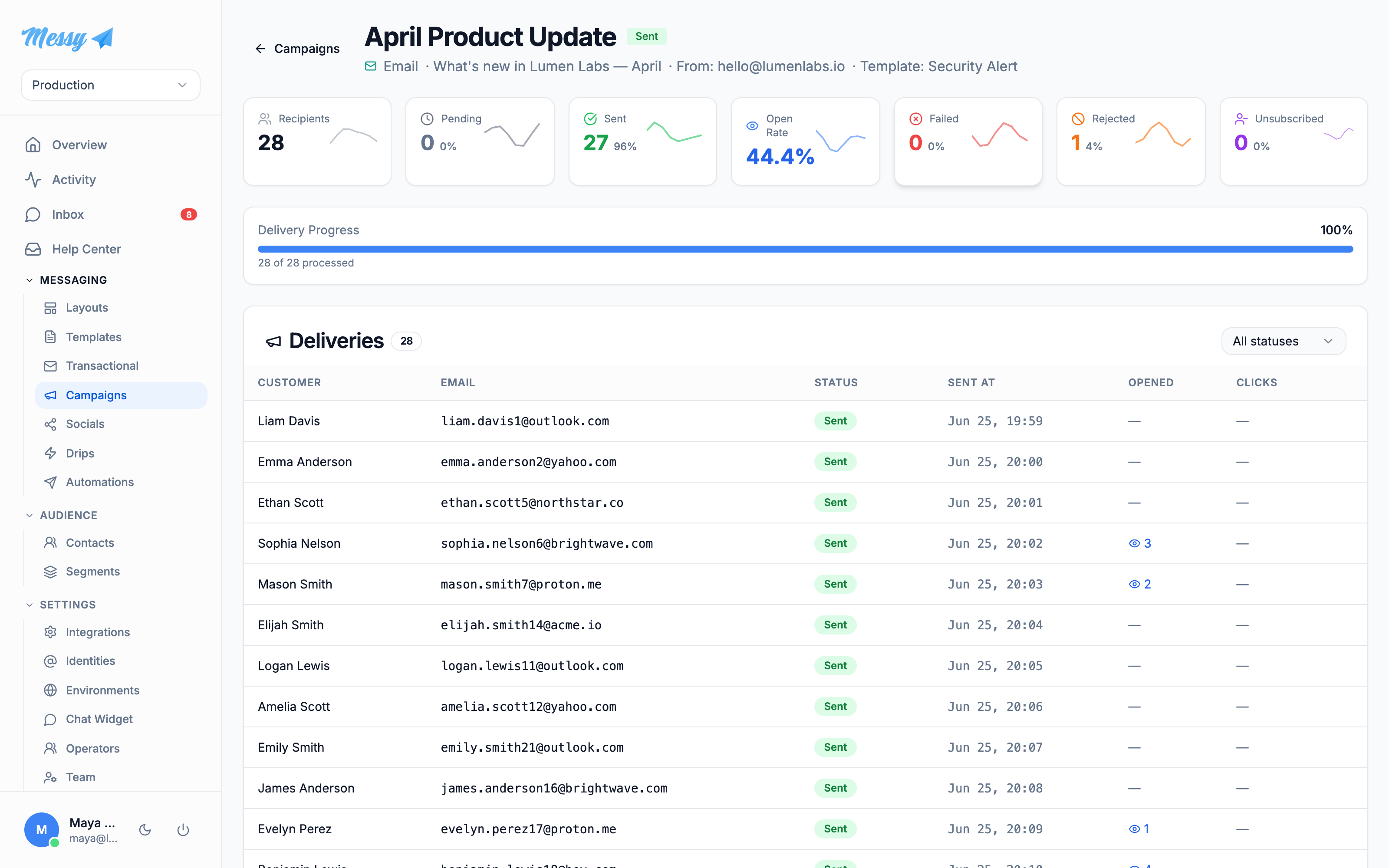
The detail page breaks delivery into Recipients, Sent, Open Rate, Failed, Rejected and Unsubscribed, each clickable to filter the deliveries table. Failed deliveries can be retried in bulk.
Customization options
| Field | Type | Description |
|---|---|---|
Channel | campaign | Email, SMS, WhatsApp or Push. |
From identity | Which sending identity the email is sent as. | |
Content source | campaign | A saved template, or raw content written in the editor. |
Audience | campaign | All contacts, or a single segment (evaluated live at send time). |
Test send | Fire the campaign to chosen addresses first; bypasses delivery rules, prefixes [TEST]. | |
Condition attributes | segment | email, first_name, last_name, created_at, plus any custom.* attribute on your contacts. |
Operators | segment | equals / not equals / contains / not contains / is blank / is present; dates add on / before / after. |
Match logic | segment | AND (all) or OR (any) per group, with nestable groups. |
Clean List | segment | Verifies member emails and auto-unsubscribes invalid ones. |